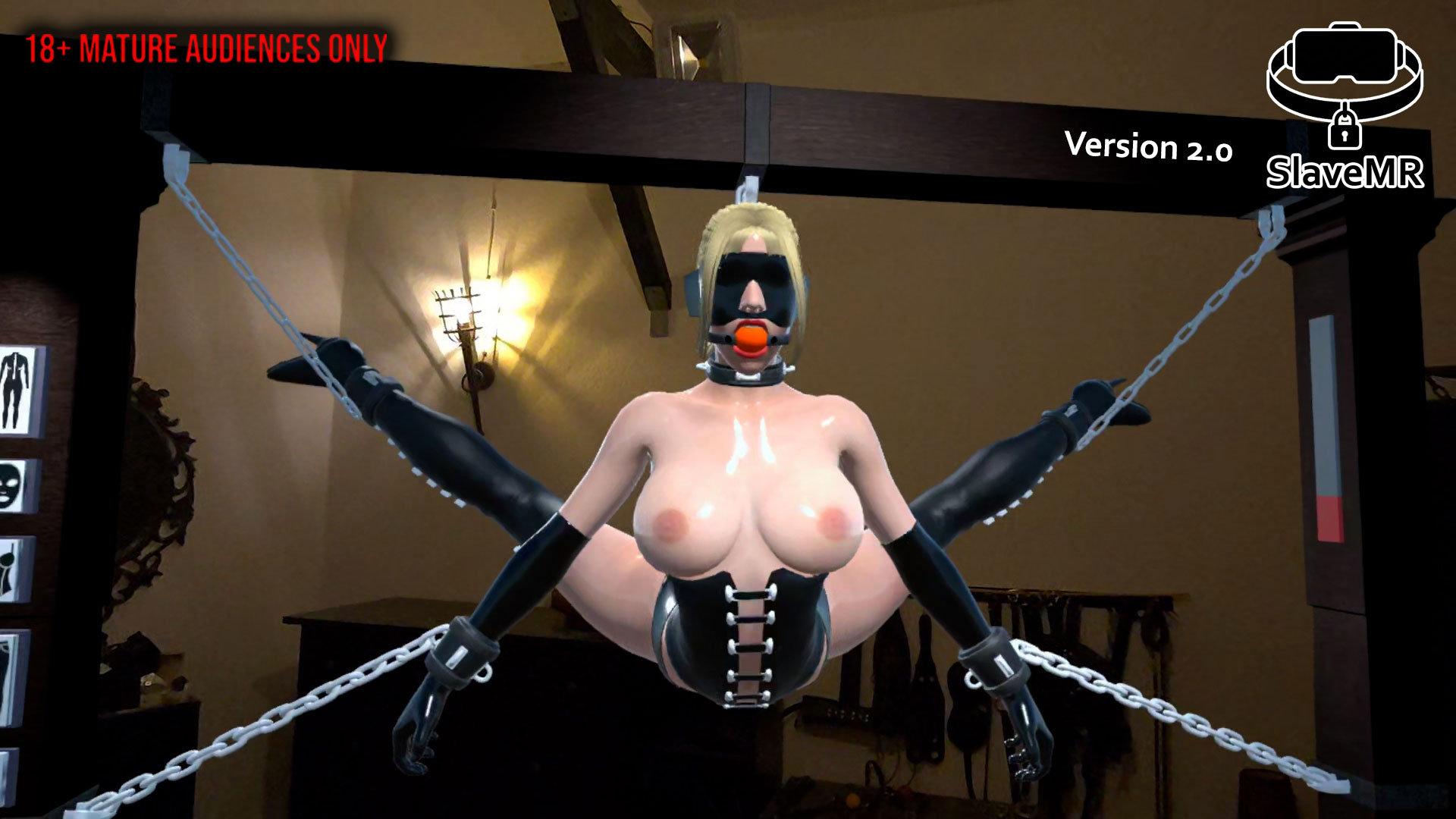
SlaveMR V2.0
SlaveMR V2.0
A mixed-reality physics sandbox that brings a fully interactive slave into your real room.
⚠️ ADULTS ONLY (18+)
🆓 FREE TO PLAY
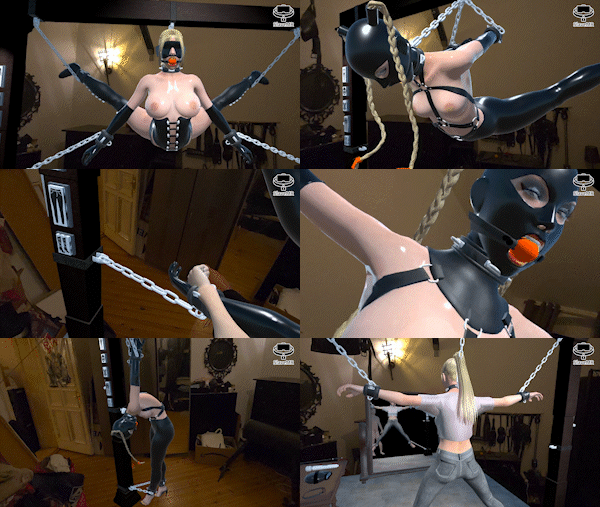
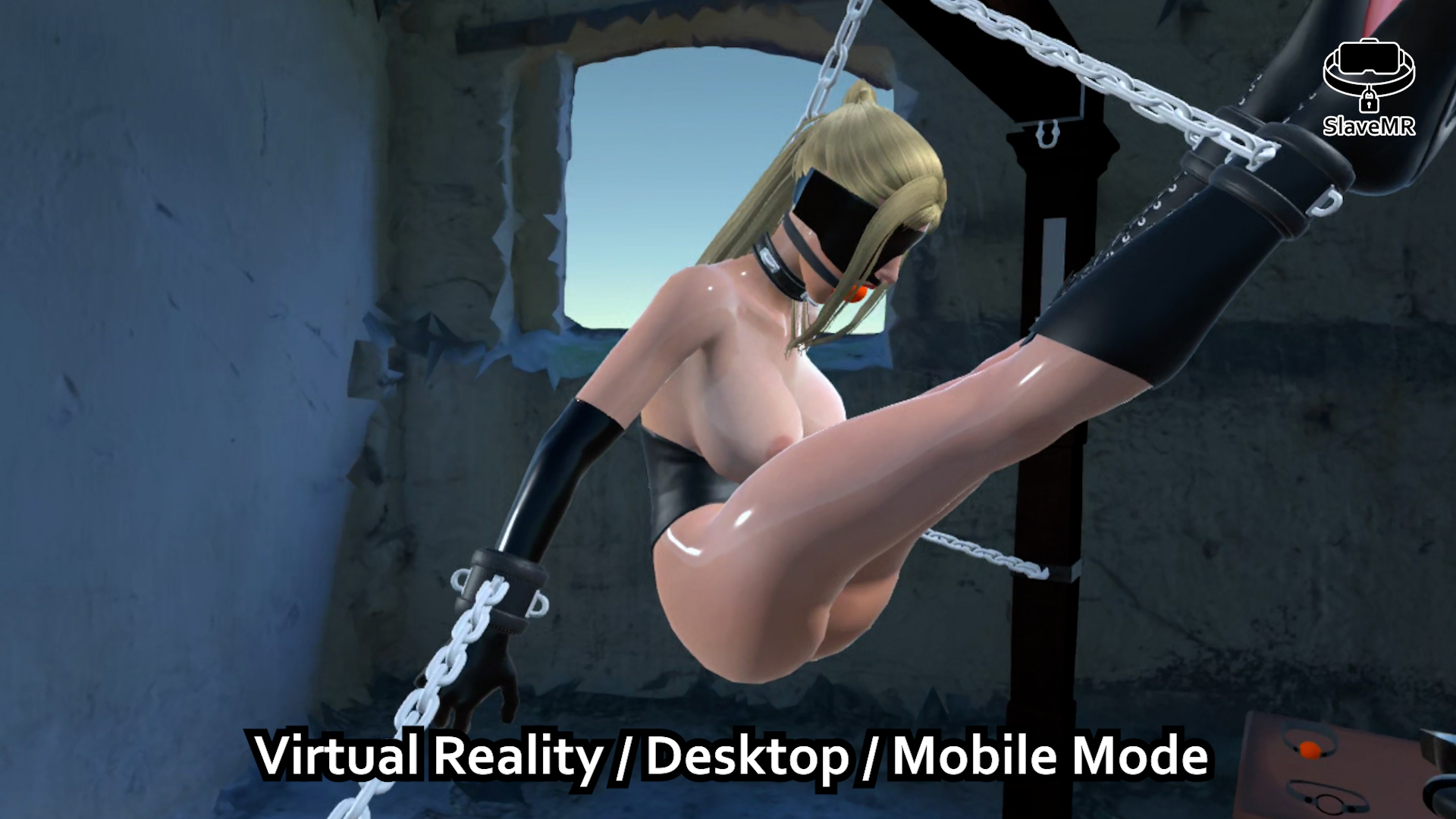
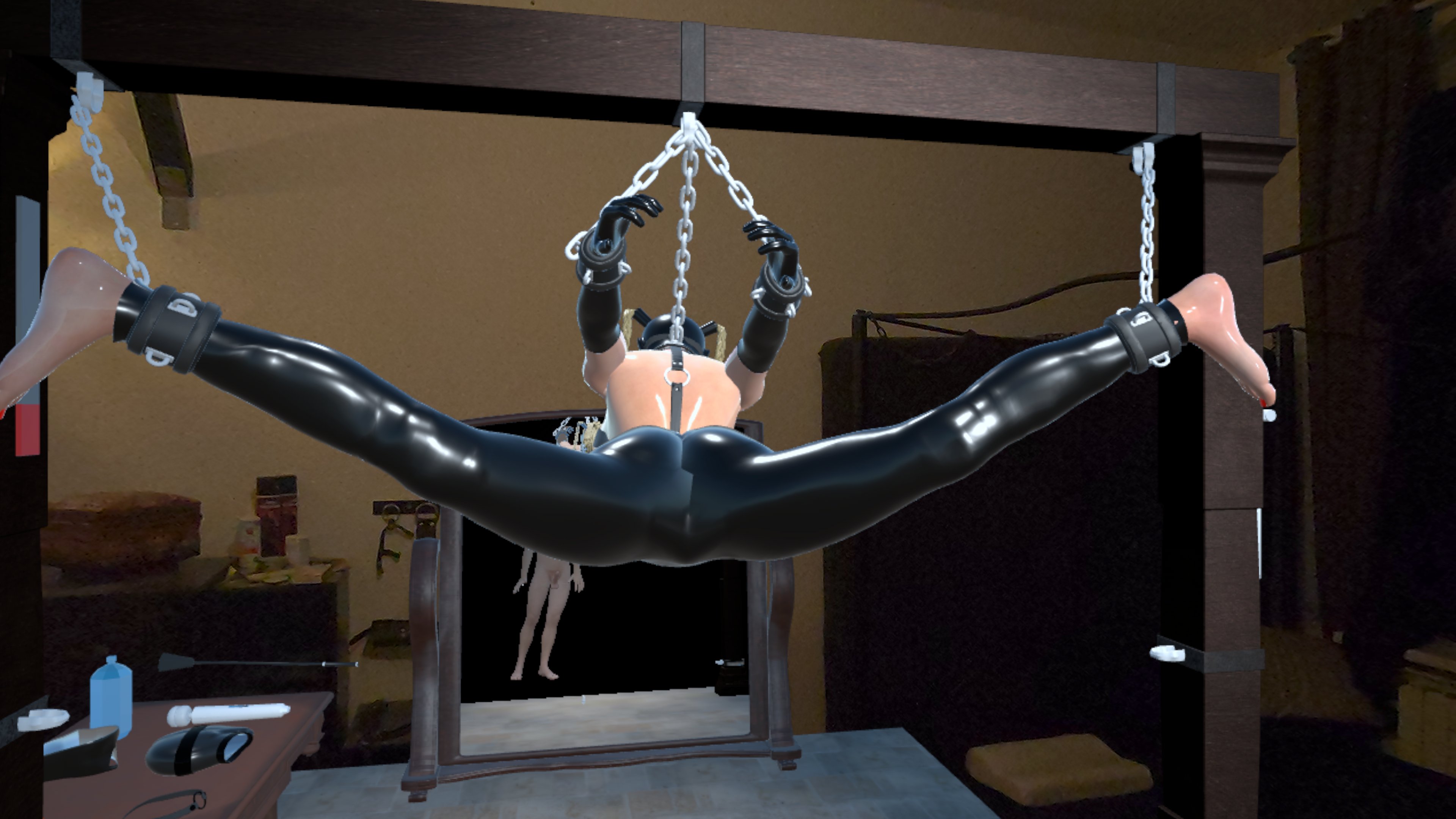
- 🎬 Sandbox Freedom: No scripts, no intro — you spawn directly into the action and control the scene.
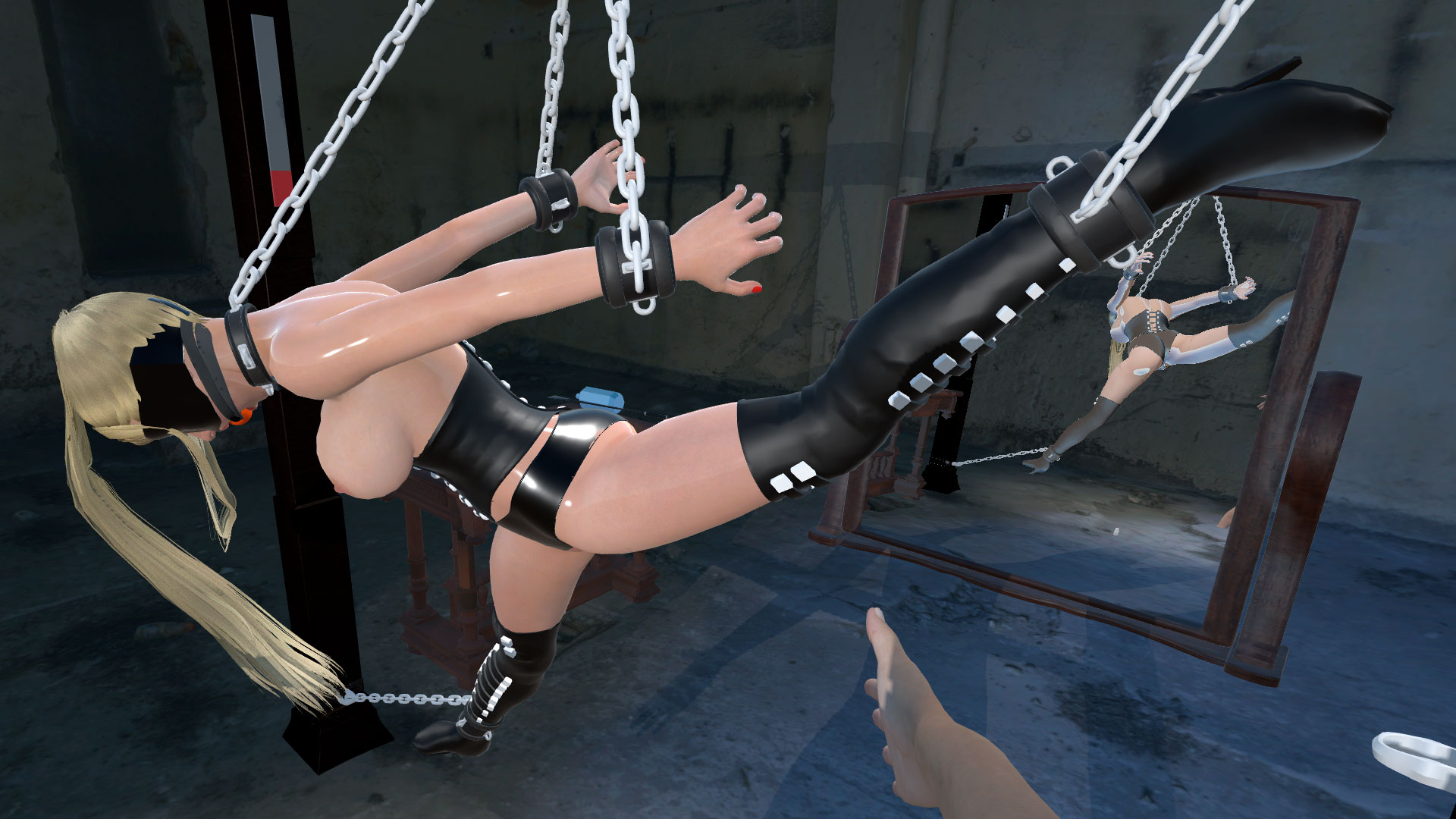
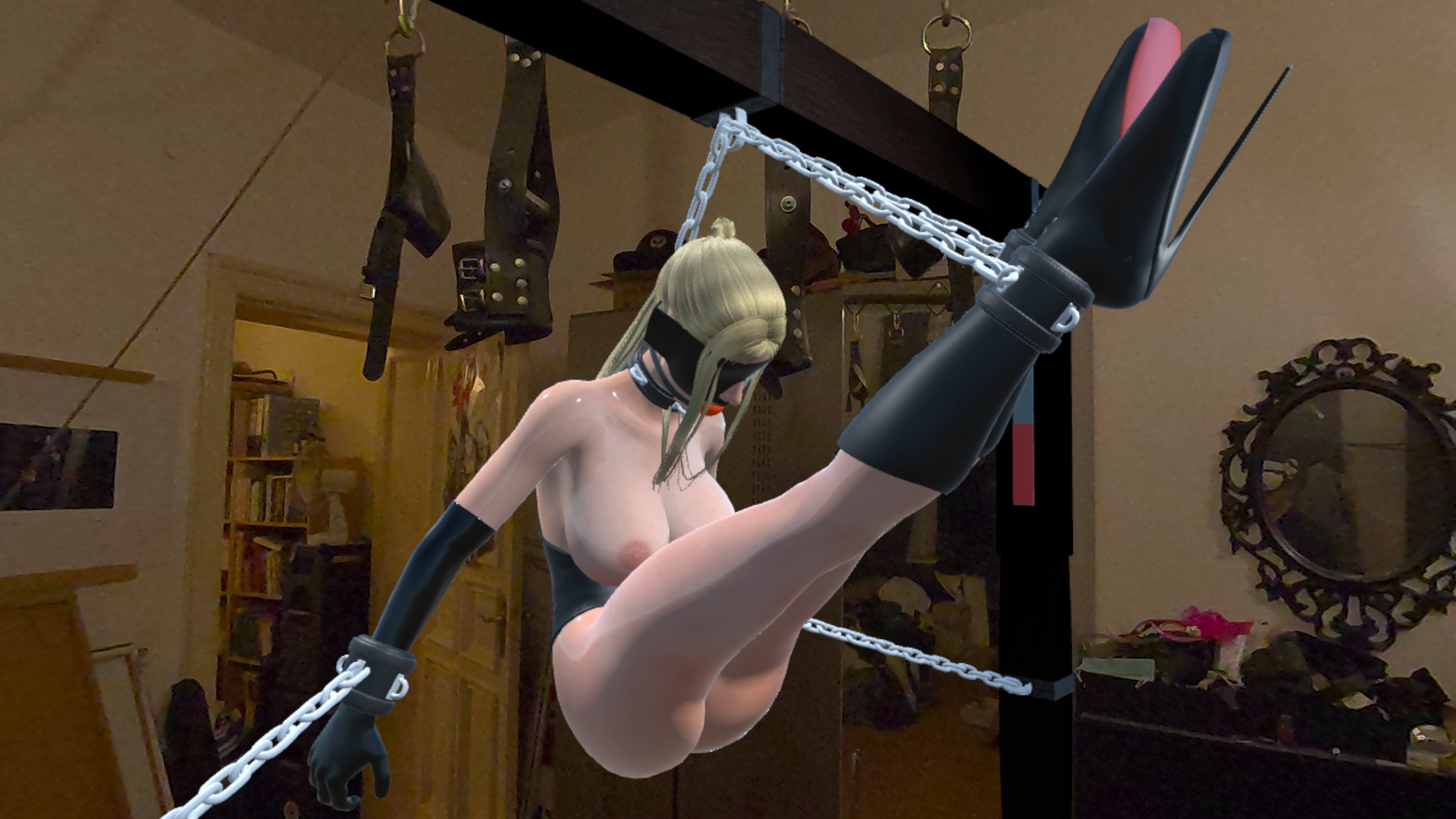
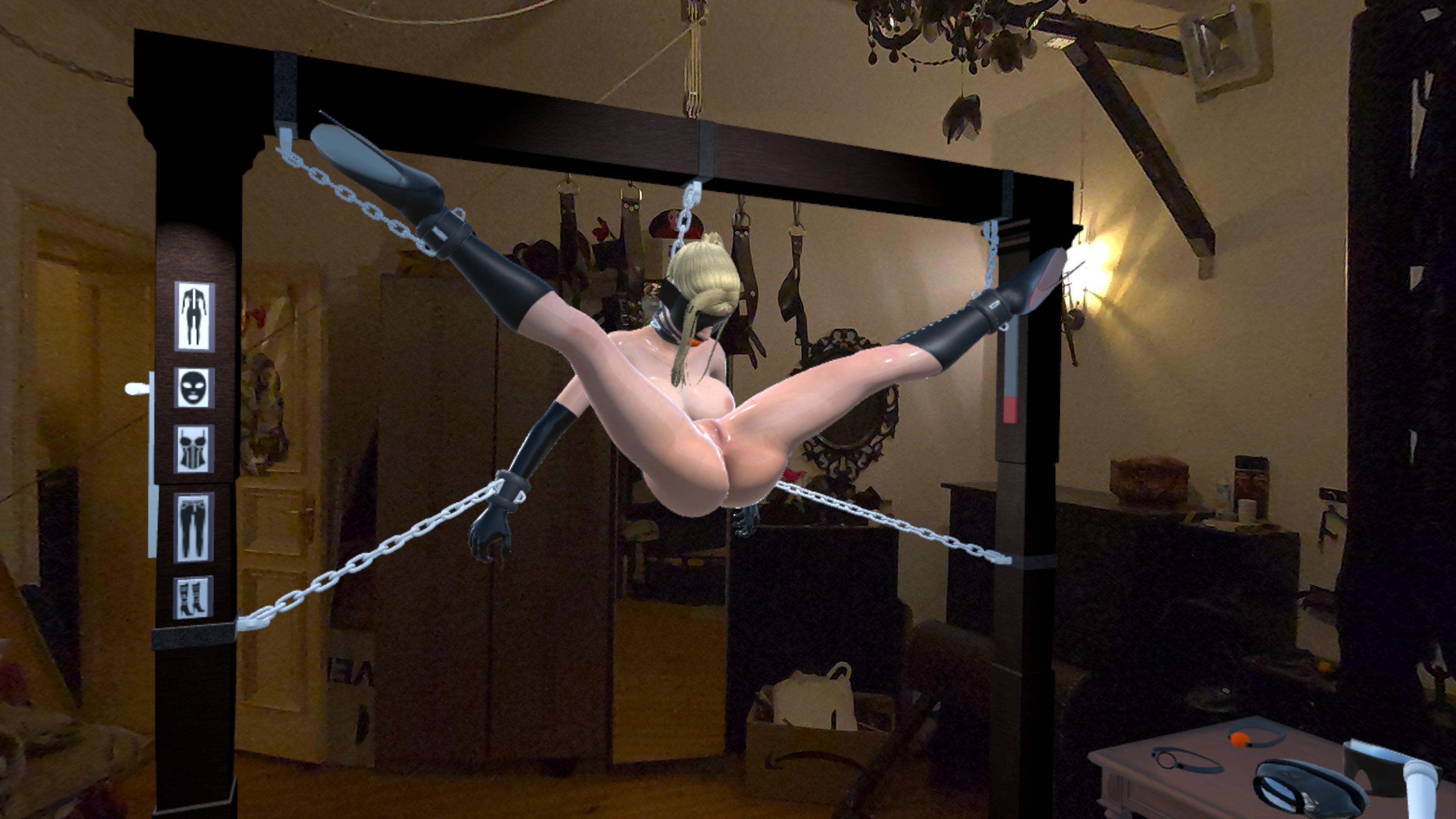
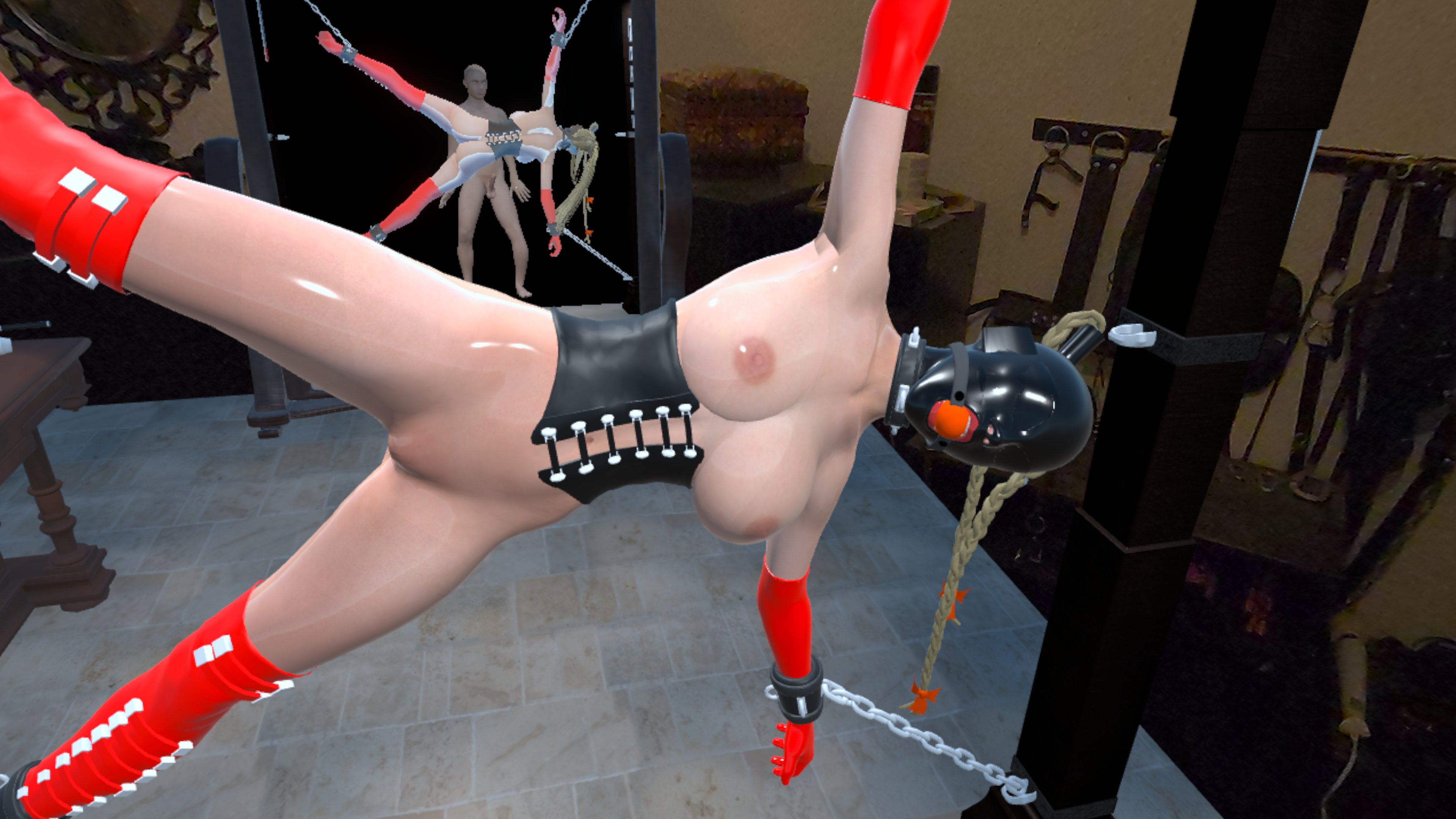
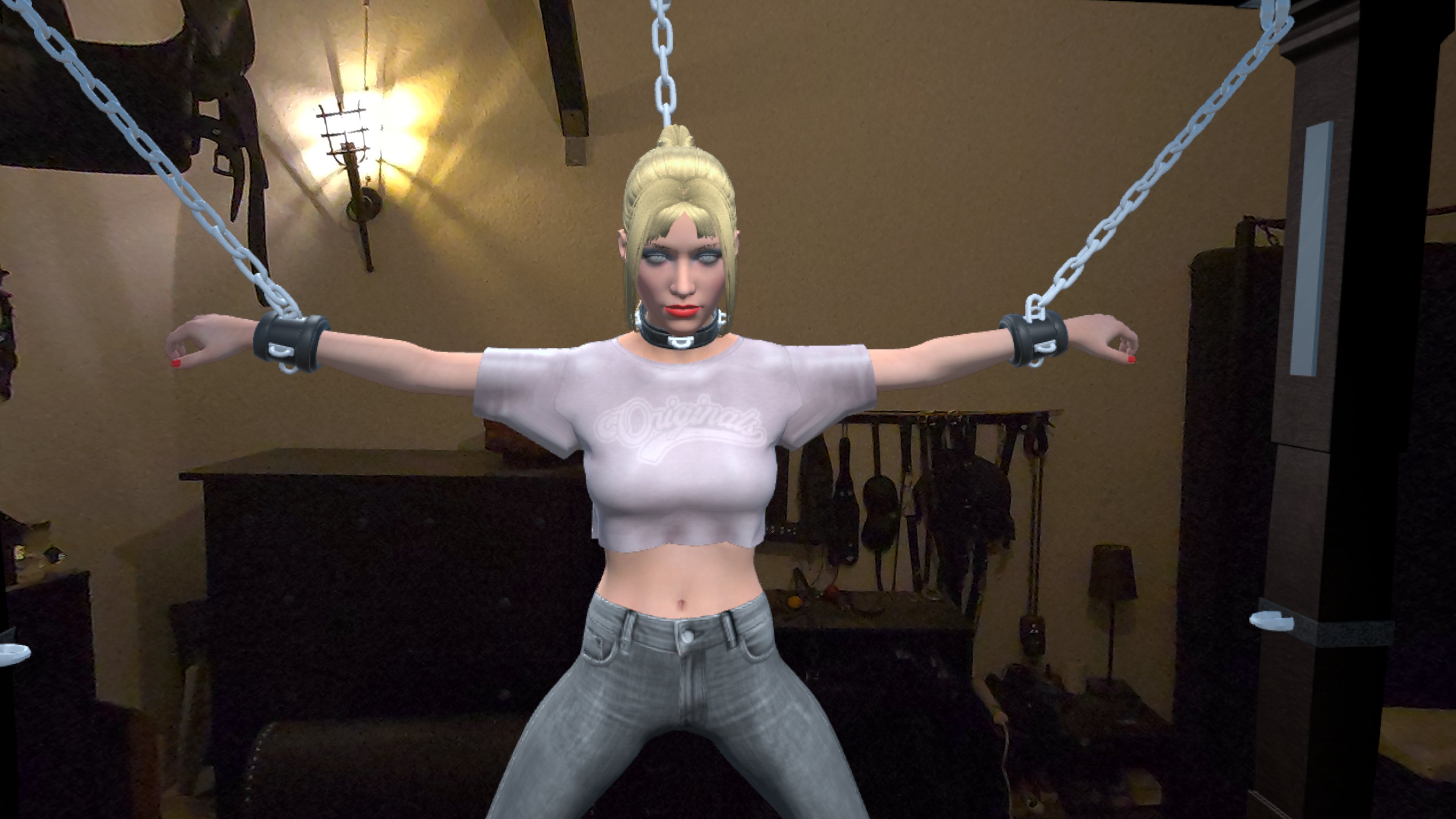
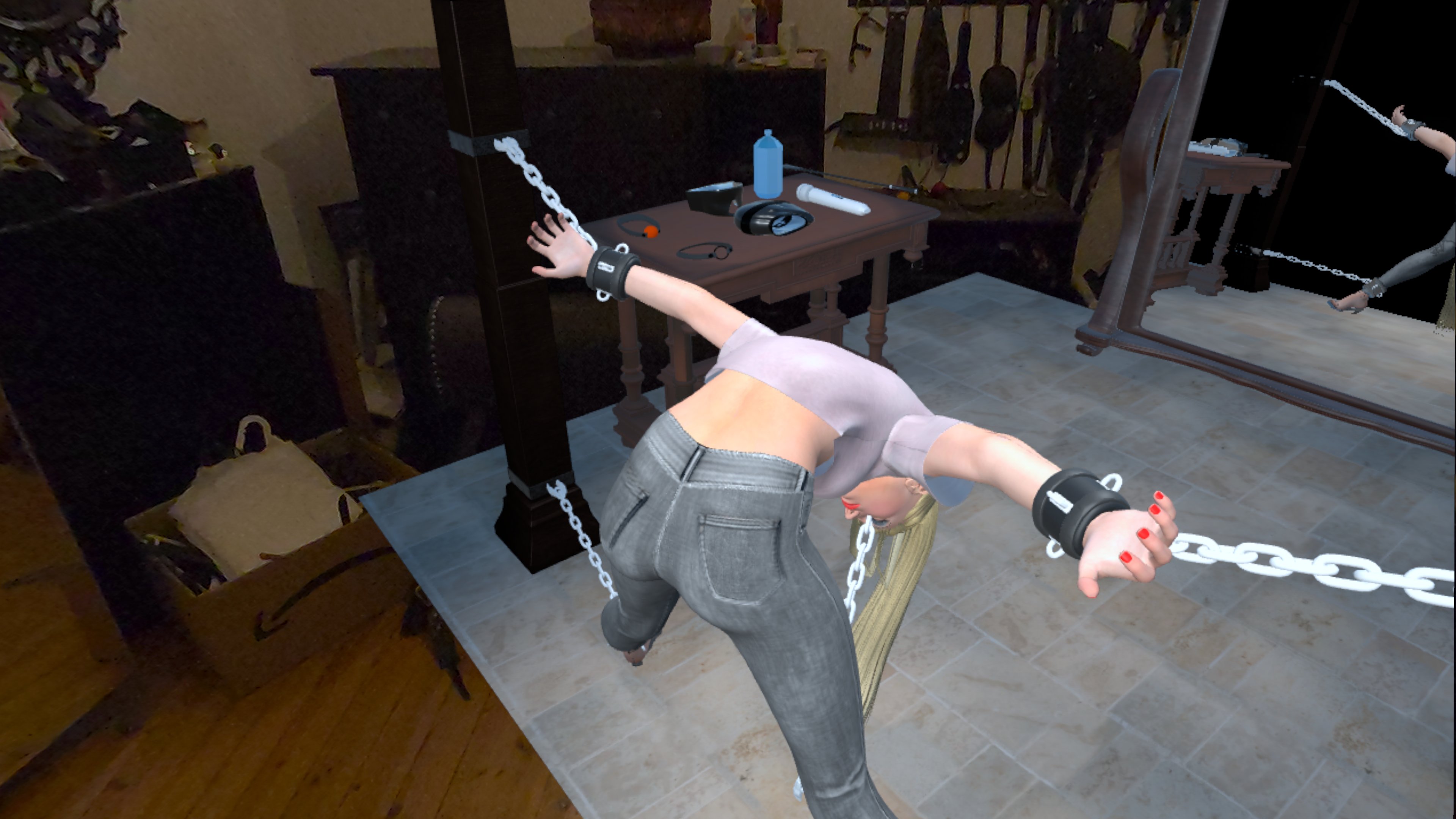
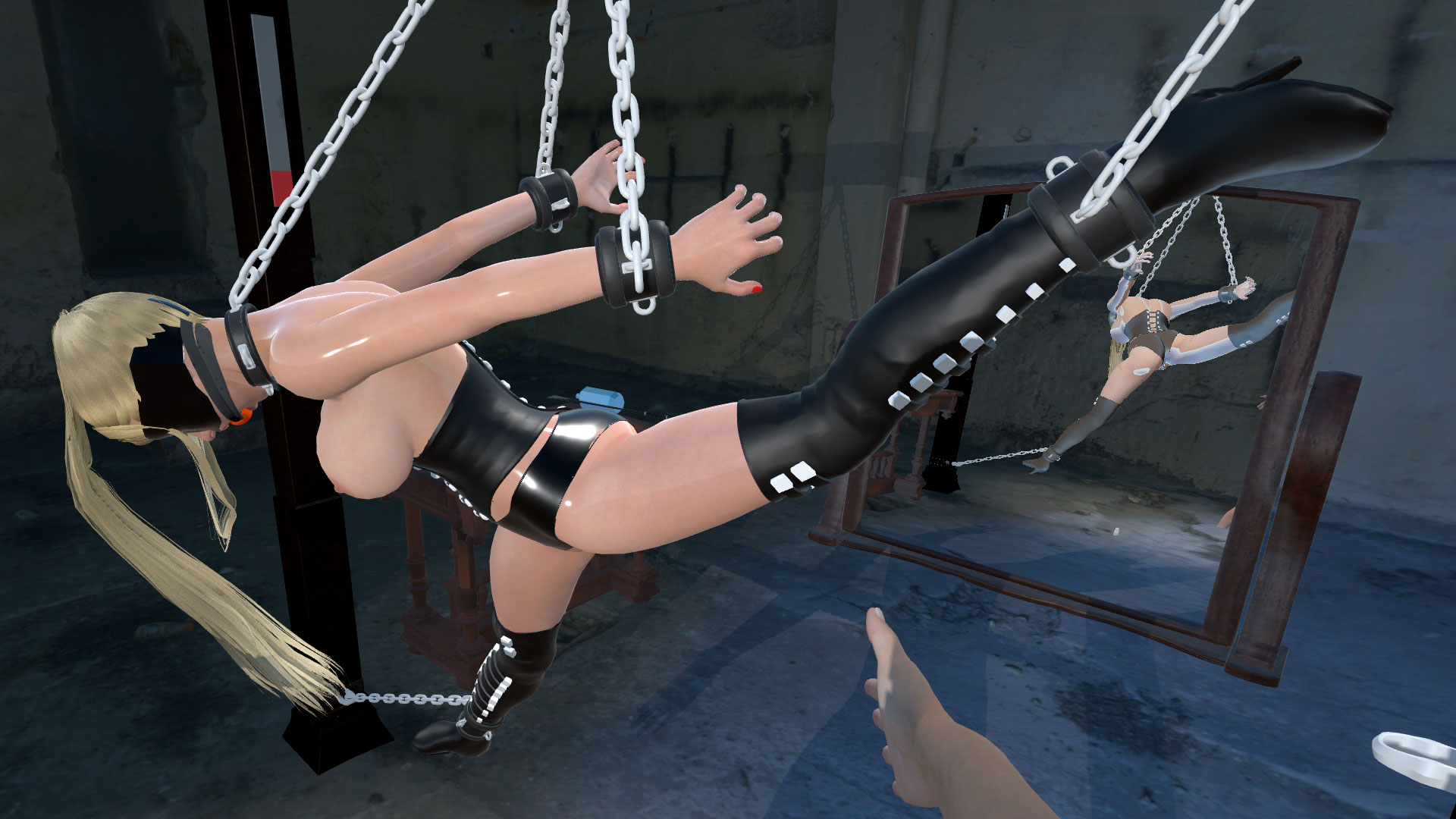
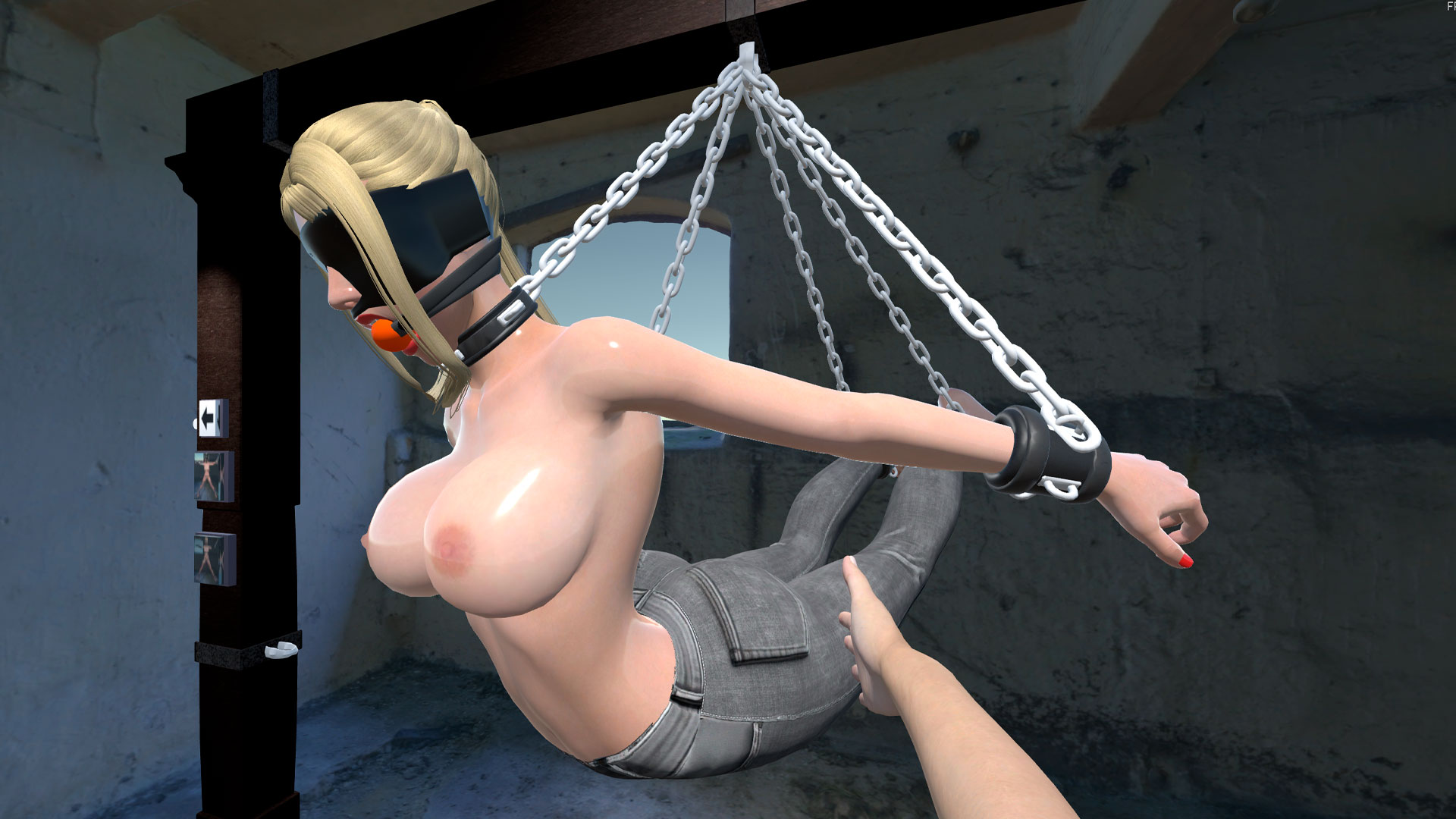
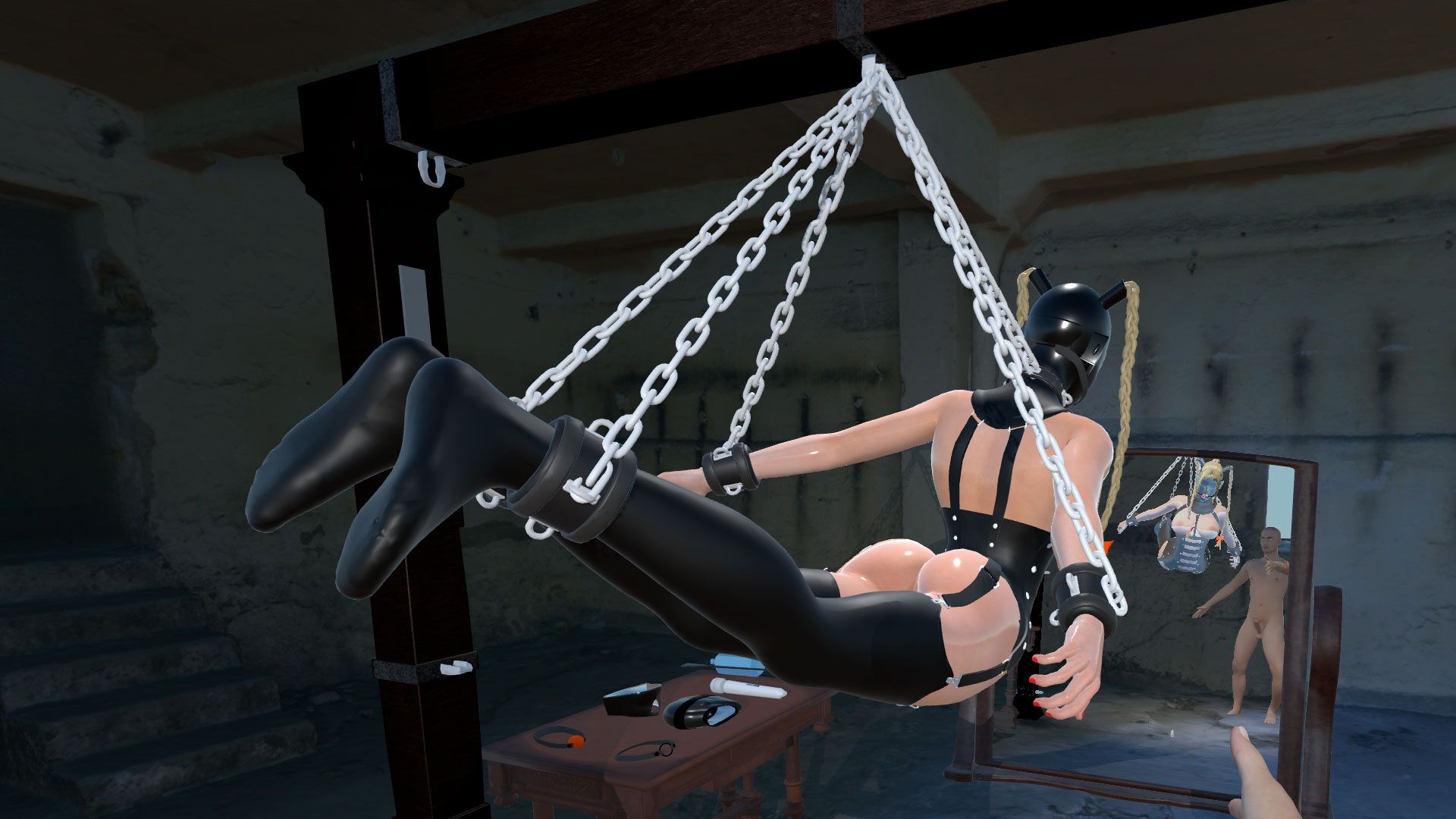
- ⛓️ Advanced Bondage System: Connect wrists, ankles, or neck to 8 anchor points with fully flexible restraints.
- 📏 Total Control: Adjust individual chain lengths for anything from strict suspension to loose confinement — 30,000+ possible setups.
- 👗 Wardrobe & Colors: 14 clothing items with full RGB color customization only in VR / MR.
- 🎨 Body Customization: Modify physical proportions using intuitive sliders.
- 🎭 Lifelike Reactions: Emotional facial animations with responsive eye contact.
- 🦴 Advanced Physics: Next-gen ragdoll simulation reacts naturally to every touch and movement.
Trailer
Play instantly — no installation required
Play SlaveMR directly inside your Meta Quest browser using WebXR technology.
- No download
- No sideloading
- Instant start
- Try before installing
🎮 Choose Your Version
| Version | Best For | Features |
|---|---|---|
| 🌐 WebXR (Browser) | Instant play | No installation • Launch directly in Quest Browser • Try immediately |
| 🥽 Quest APK | Standalone VR | Best performance • Offline play • Optimized for Meta Quest |
| 💻 PCVR Version | Maximum quality | Highest graphics fidelity • Full performance • Desktop VR experience |
| 📱 Android APK (Mobile) | Smartphones | Touch controls • No VR required • Play on Android devices |
🎮 VR / MR (Controllers)
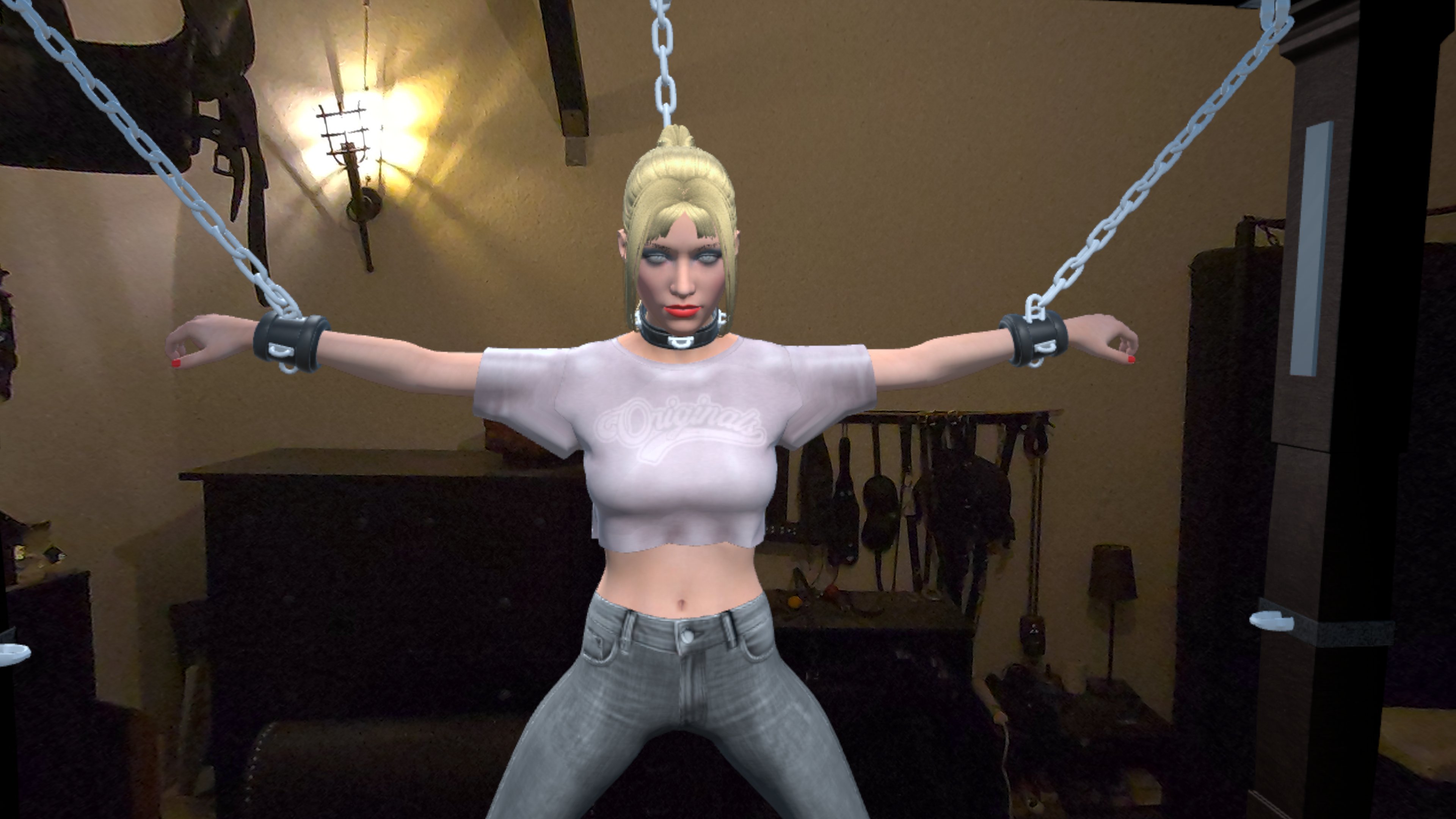
| INPUT / KEY | ACTION |
|---|---|
| Left Stick | Move Character |
| Right Stick | Look around |
| Trigger | Grab and hold objects, chains or the model |
| Motion | Move your real hands to push, hit, pull, and stimulate |
| Right Controller Trigger on Shackle | drag Shackle Position |
| Left Controller Trigger on Shackle | release Shackle |
🎮 Desktop (Mouse & Keyboard)
| INPUT / KEY | ACTION |
|---|---|
| WASD | Move Character |
| Mouse | Look around |
| Left Click | Hit / Slap / Interact |
| Right Click or E | Grab things / Adjust Chains |
|
Shift + Right Click (while aiming at shackle) |
Release / Detach Chain |
| C | Crouch |
🎮 Mobile (Sticks on Display)
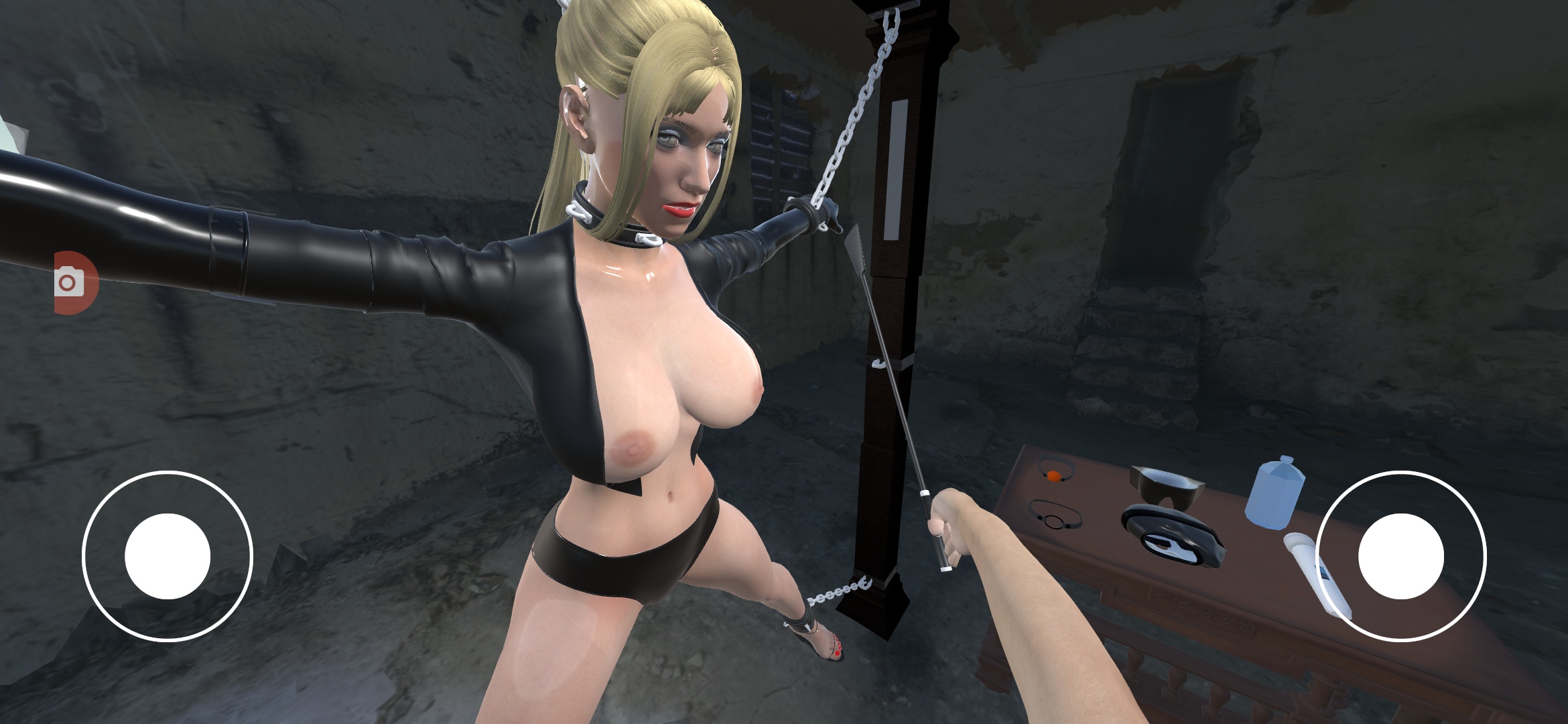
| INPUT / KEY | ACTION |
|---|---|
| Left Stick | Move Character |
| Right Stick | Look around |
| Tab left screen side | Toggle Grab |
| Tab right screen side | Hit / Slap |
| Tap Left while Hand on Shackle | Grab Shackle and drag with Right Stick, Tap again to release |
| Swipe down / up | crouch / stand up |
🔓 Unlock Toys!
👉 https://slavemr.itch.io/part1
We believe everyone should experience the future of erotic simulation.
- Base Game (FREE): Download and play the core experience completely for free. Interact with the model and enjoy the physics.
- Premium Toy Box ($4.99): Want to take it to the next level? Purchase a Premium Code right here to unlock the toys and customization options.
How to unlock the toys
- In the game, look at the "Unlock" tab/menu.
- Click on "Buy code" (opens browser).
- Complete the payment ($4.99).
- Copy the Key you received via email.
- Enter the key inside the game console/menu and press Enter.
Install Instructions
🖥️ FOR WINDOWS PC (Desktop, PCVR & Nerd Mode)
- Download the Windows .zip file.
- Important: Right-click the file and select "Extract All...". Do not run the game directly from the ZIP!
- Open the extracted folder.
How to launch:
- Standard (Desktop or VR): Simply double-click SlaveMR.exe. It auto-detects if a VR headset is active.
- Nerd Mode (PC Passthrough):
- Right-click the .exe file and select "Create Shortcut".
- Right-click the new shortcut -> "Properties".
- In the "Target" field, go to the very end and add a space followed by
-mr(Example:...SlaveMR.exe" -mr). - Click Apply and run the shortcut.
🥽 FOR QUEST STANDALONE (Wireless / No PC)
Method 1: Direct Download (No PC required)
- Install and open the free browser "Wolvic" inside your headset (Do not use the default Meta Browser).
- Download the .apk file directly from this page.
- Install and open "Mobile VR Station" (Free in Store).
- Navigate to: Android fixes -> Show all Options -> See missing downloads -> Open Files All.
- Click on the .apk file and select "Install".
Video on how to install the APK on your Quest:
Method 2: SideQuest (PC required)
- Download the free .apk file to your PC.
- Connect your Quest to your PC via USB.
- Open SideQuest or Meta Quest Developer Hub.
- Drag and drop the .apk file into the app to install it.
🌐 OFFICIAL WEBSITE
Visit slavemr.com for more content and updates.
Download
Click download now to get access to the following files:
Development log
- UPDATE v2.03: All Clothing is FREE! + 40% LAUNCH SALE!Feb 26, 2026
- 🚀 Introducing the WebXR Version of SlaveMRFeb 23, 2026
- Almost 1,000 Downloads! + Weekend Update 🎉Feb 13, 2026
- HOTFIX: Android Unlock Menu & Touch Input (V2.011)Feb 11, 2026
- ANDROID SMARTPHONE APP RELEASEDFeb 10, 2026
- MAJOR UPDATE V2.0: The Ultimate Bondage Sandbox (VR / MR / DEKTOP & MOBILE)Feb 08, 2026
- V2.01 for QuestFeb 07, 2026
- Mobile Support! Play directly on your PhoneJan 20, 2026
Comments
Log in with itch.io to leave a comment.
OK, thats probably not my mistake, I receive the email offer, I access the site from the email and buy it (I type $3.00 in the box) now i know there was a site for buy it in offer, so, i dont had access to the key, could you please send me at my email please?
You made a donation, code to buy is actually here: https://slavemr.itch.io/part1
Write me a mail to info@slavemr.com
DOne, i send you back some screenshoots. thanks in advance!
I tried it yesterday, it's a fun and cool experience, limited but it sure makes me want to buy. Now let me be serious, I really want to help buy the game, but did this game have any updates scheduled? What extra do you acquire when you buy it? What's in the future? Anything? I feel a little scammed in my previous purchase (Bitch theft) FROM ANOTHER DEVELOPER, who did not respond and deleted all my comments, I just want to avoid making the same mistake.
Hey confusionaut,
I completely understand your hesitation – getting ghosted by a developer after paying is a terrible experience. I want to be transparent with you:
1. What do you get immediately?
Buying the full version unlocks everything that is currently on the table blocked:
2. Future & Updates?
To be completely honest with you: I am a solo developer, not a big studio. I love this project and have released major updates (like the recent WebXR version), but the long-term future depends on the community's support.
If people buy the game, I can afford to spend more time on it. If not, development will naturally slow down. However, I want to assure you: The current version is a complete, standalone product. You are buying what is there now (which is fully functional), not just a promise for the future.
Perfect, count on me!
📢 COMMUNITY SHOWCASE:
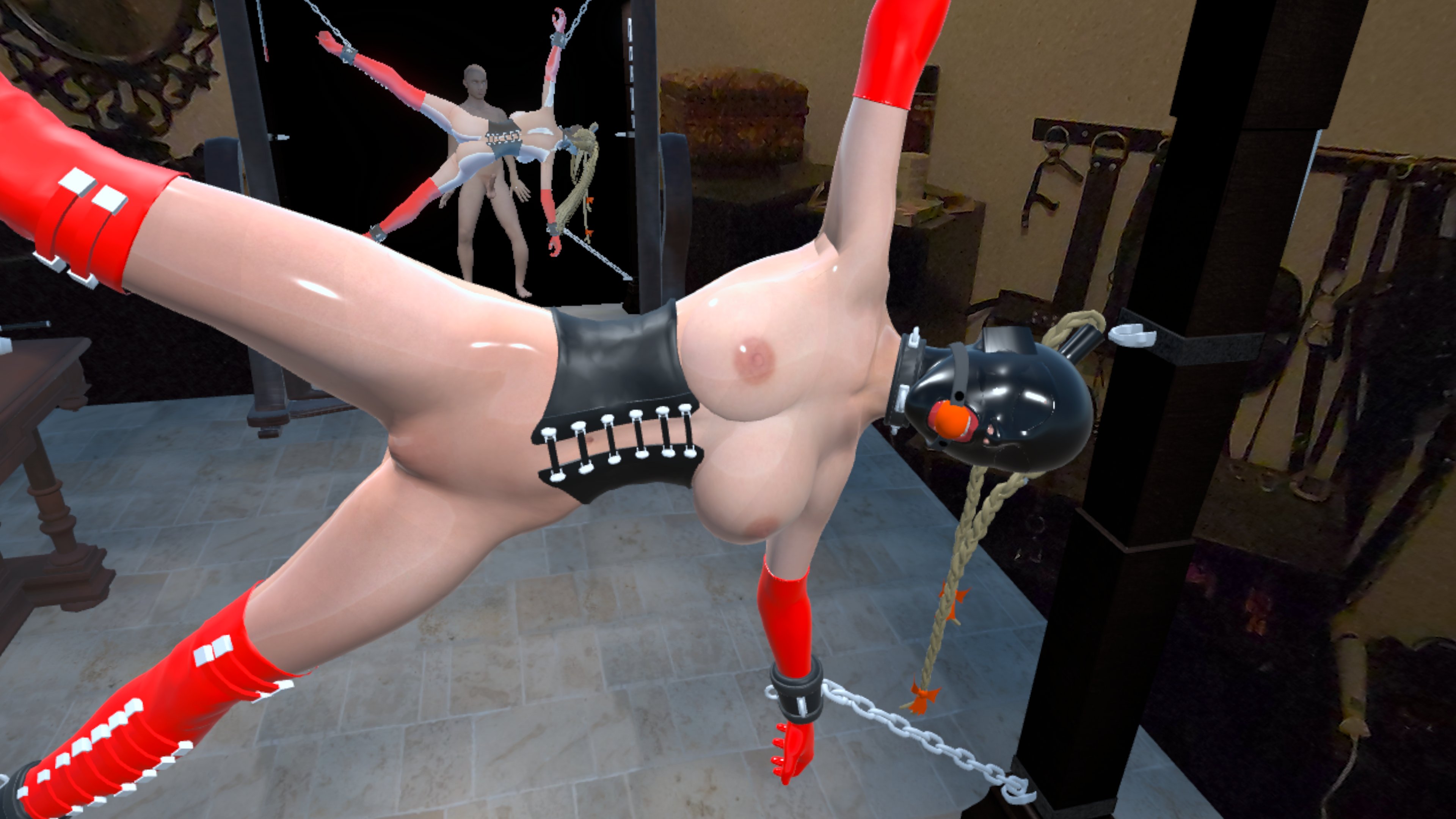
Post your best screenshots/setups here!
I want to see what you created with V2.0!
I'm a little disappointed. Took the gamble with this game and purchased the unlock key. Key worked fine in the standalone version but not in the PCVR version. Error ' Error: License is already active on another device). Looks like you need two keys. This isn't acceptable. If I've know this, and its wasn't clear, I wouldn't have purchased. Please fix.
Hi there,
I am very sorry for the frustration! I agreed with you, so I fixed this immediately.
I just updated the server, so every key can now unlock up to three devices. Please try it again and let me know if it works! I can't test it myself right now since I'm at my mother's place for Christmas. :)
Apart from that issue, what do you think about the game?
Merry Xmas!
Hi, Sorry for the late response.
Can now unlock both versions. Thanks for sorting that.
I have tried both versions and find the PCVR version works better than the quest version.
Somethings that I think could improve are:
- Same controls in the Quest version as the PC version. They are reversed and its not intuitive.
- Ability to change height. In the quest version the height is off and going to the table sometime moves you even higher.
- Character customisation
- Option for non MR in the Quest version. Same dungeon as teh PCVR version.
- Some other poses, variations in the scene. Can't really do much.
- Holding items uses the wrong button on the quest controller. Should be the grip button as standard.
- Ability to loose the floor in the Quest version. In MR the floor would be the real floor.
- Eyes are a little weird in the opening scene. There's a white outline.
Game is clearly in early stages at the but I'm confident that more options will appear as time progresses.
Hi BoZZerZ,
Great to hear the key works now! Thanks for sticking with it and taking the time to write such detailed feedback. This is exactly what I need at this stage.
Regarding your points:
What to expect in the next update (v1.1): I'm currently debugging the new build, which focuses on core tech:
More poses and content variations are definitely planned for the updates after this one, once the base mechanics are solid.
Thanks again for the support!
Hi,
Thanks for the update. As for the controls; the same reversal occurs if you run the PCVR version in MR mode. The the thumb stick is action is reversed. So push stick forward makes you go backwards, left goes right etc. Turning the controller 180 degrees in effect. If you swap to the VR Dungeon during same play the controllers revert back to correct orientation until you go back to AR. For the record I'm using a Quest 3 with link cable. The native quest version now has VR mode whixh also does the same.
Thank you for the feedback!
It's not a bug, it's a feature. :) When you are in VR mode and everything around you is virtual, then you move your avatar through the area, so pressing forward moves the avatar forward. When you are in MR mode, you see the real room you are in, your living room for example, which is not movable, so you stay in place and you are moving the slave inside your room, so pressing up means you push the slave away from you...
By the way, I'm working day and night on a next update, where you can move the chains inside the frame to fixate herin any possible way, and soon you will also be able to change her clothes.
good lil AR-Game as for now. The APK install via Sidequest works best atm (on Quest 3). The girl wants it and gets it. give her some good slaps and pleasure her till she cum all over your hand. I also had the pleasure (thx to the dev!) to test the toys. she loves them very much :P. Nice Oily effect on Skin.
The dev is active and he kindly replied to my feedback and bugreport, so kudos for that and we can look forward to some interesting and immersive improvements!
Thank you very much for that awesome feedback, Seranoth! 😁 I'm really glad you enjoyed it. I also just saw you already dropped a 5-star rating – you are a legend! That really helps the game get noticed by the algorithm.
Christmas is coming, the first unlock keys are free if one is willing to write a comment. Write me an email to info@slavemr.com
I'm really curious to hear about your experience with the game!
What did you enjoy the most?
Were there any issues, or anything you'd love to see added or improved in the next part?
Your feedback helps shape the next update — so don’t hold back 😉